1 · Choose the right home for the information
Where should an Airbnb host put a new fact?
Put canonical property facts in Airbnb first. Use a Guide for the additional natural-language context that helps Morphic understand how to answer, when to ask, and which listing or host workflow the information belongs to. Use the narrowest scope that matches the fact.
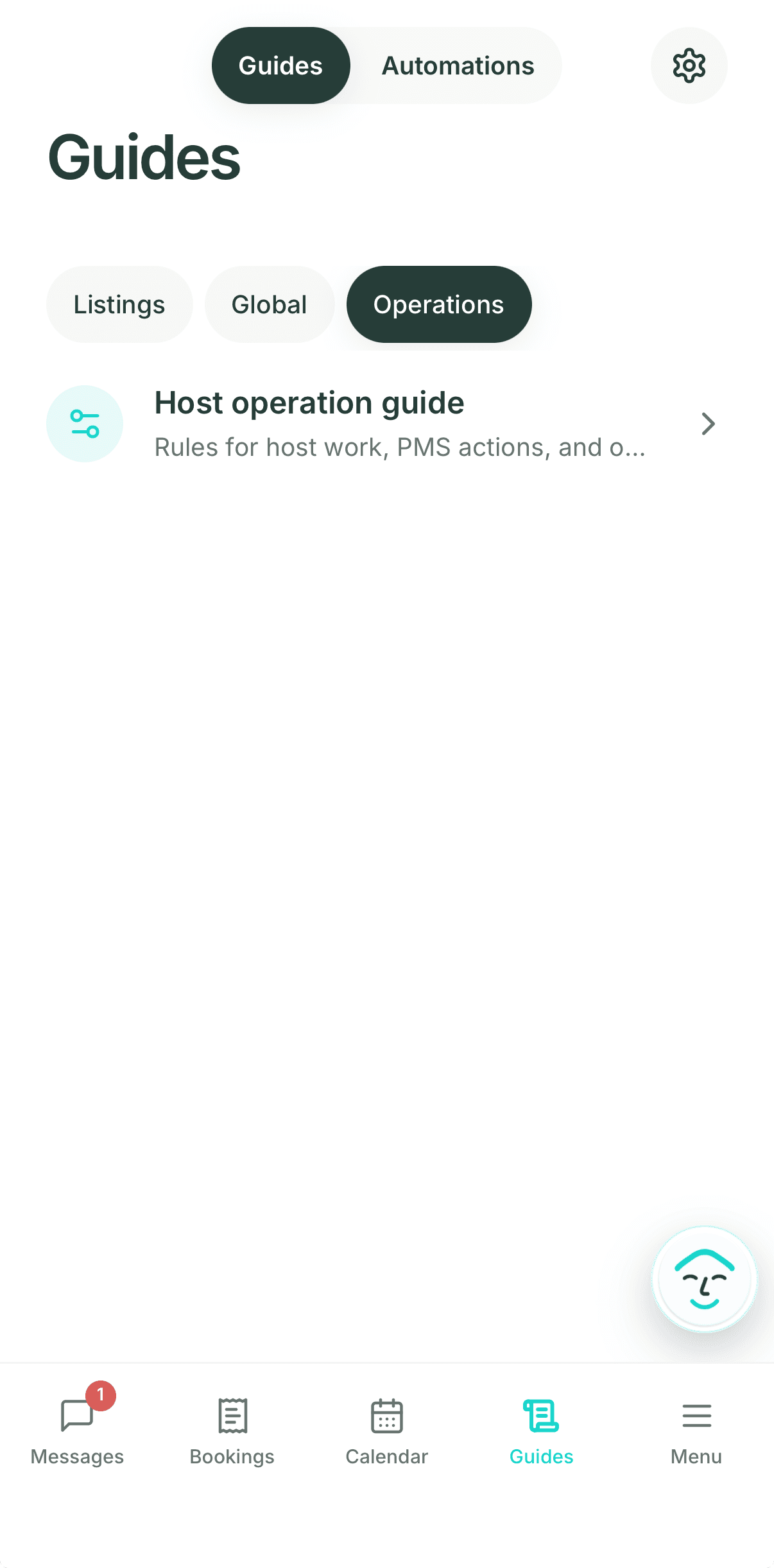
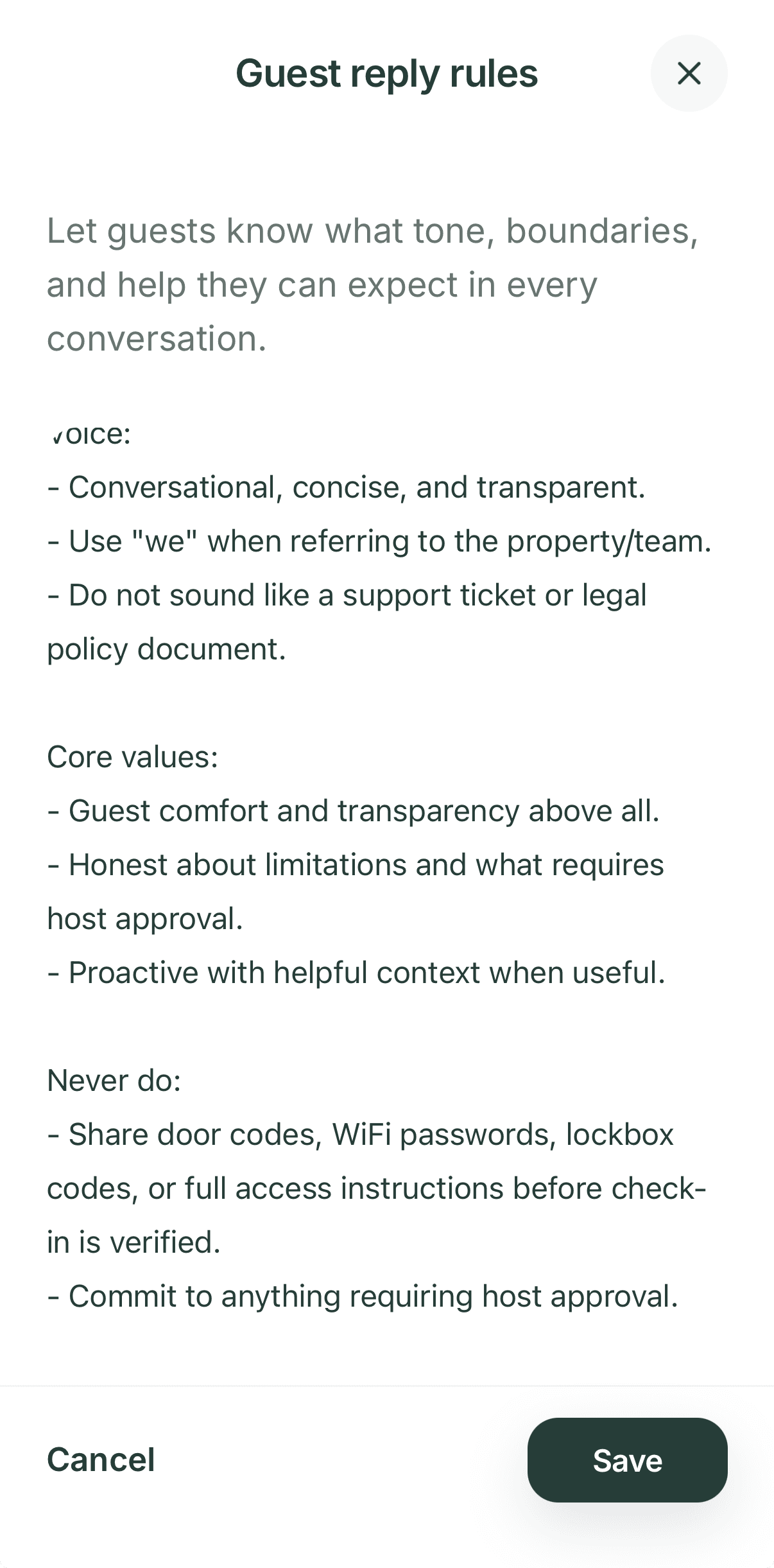
2 · Add or edit a Guide
Write the rule in plain language, then check the result.
- 1Open AI Guides and choose Global (Guest reply rules, Escalation rules), Listings (Before booking, During a stay), or Operations (Host Operation Guide). On mobile, open Guides from the bottom bar.
- 2Add the fact, preference, or boundary with enough context to answer the guest question safely.
- 3Save the change, then use Test AI against the relevant listing and question.
- 4If the detail is urgent or safety-sensitive, correct the narrowest source directly and keep the host review boundary in place.
3 · Let Morph propose improvements
A message correction is evidence for a proposal, not a silent rule change.
The Improve host guides automation learns from your replies, edits to AI drafts, and repeated guest questions, and proposes Guide updates once a week for you to review. Its Manual, Copilot, and Autopilot modes are separate from guest reply modes.
Read the Guide learning guideBoundaries that protect the guest promise
A Guide helps Morphic know more; it does not give Morphic unlimited authority.
Keep in Airbnb
Canonical listing facts, availability, and policies that guests should see on the listing.
Keep under review
Refunds, access uncertainty, complaints, safety, damage, exceptions, and any promise that depends on live conditions.
Use a person or specialist
Cleaning, inspection, repair, emergency response, physical access, and local service work remain human responsibilities.
AI Guides cannot override Morphic's safety, compliance, source-of-truth, exact-identity, or approval requirements. They are private host guidance, not a guest-facing guidebook and not a replacement for a PMS, local team, or specialist tool where those are the better fit.