How to Automate Airbnb Cleaning Coordination Without a Full PMS
Learn how Airbnb hosts can connect booking context to cleaner coordination, WhatsApp follow-up, and host-approved turnover tracking, without claiming physical inspection or adopting a full PMS.
Written and reviewed by Liam, Founder, Morphic
Guide fit
Self-managing Airbnb hosts who already have a cleaner and want the handoff automated without adopting a full PMS
Direct answer
Airbnb cleaning automation coordinates the handoff, not the physical clean.
Airbnb cleaning automation does not mean a tool physically cleans or inspects the property. For a hands-on host, it means using the Airbnb-connected booking and checkout context to create a turnover handoff, contact a known cleaner, record confirmation, and surface problems before the next arrival. Morphic supports that coordination through host-controlled workflows and WhatsApp follow-up. The host or the local provider remains responsible for the actual cleaning, inspection, repair, and readiness decision.
Identify
Turn the booking into a turnover
Use checkout and the next arrival on the connected Airbnb listing to raise the coordination item at the right time.
Contact
Reach someone you already use
Prepare a focused WhatsApp request to a known provider. Turnover defaults to Copilot and supports explicit Autopilot; Service conversation reply mode is a separate setting.
Track
Record what was actually confirmed
Use To arrange, Awaiting confirmation, Arranged, and Completed. Review flags unresolved issues without turning a sent message into acceptance.
Escalate
Return uncertainty to the host
Conflicts, no reply, timing changes, and unverified status go back to the host before anyone promises readiness to a guest.
Choose cleaning software around the work you need done
Airbnb cleaning software can mean a simple schedule, a booking-linked handoff, or a full cleaning operation. A host with one trusted cleaner has a different buying decision from a manager recruiting, paying, and inspecting a large team. Compare the job before the feature list.
| Your immediate job | Suitable starting point | Check before choosing |
|---|---|---|
| Keep a predictable schedule or share dates with a cleaner | Use a shared calendar. In Airbnb, open Calendar → Availability → Connect calendars → Connect to another website, then add the copied listing link to a cleaner’s calendar tool that accepts it. | Receiving-service settings control update timing; dates do not confirm task acceptance or completion. |
| Notify the cleaner after a booking changes | Your existing PMS or a booking-linked notification tool | Are updates and cancellations reflected, and who sends each message? |
| Get explicit acceptance and chase an unresolved handoff | A coordination workflow with a named cleaner | Can you distinguish a sent request, acceptance, completion, and a Review flag? |
| Recruit, dispatch, pay, and inspect a cleaning team | A specialist turnover or field-operations platform | Verify marketplace coverage, payments, photo checklists, permissions, and local fulfilment separately. |
- Your immediate job
- Keep a predictable schedule or share dates with a cleaner
- Suitable starting point
- Use a shared calendar. In Airbnb, open Calendar → Availability → Connect calendars → Connect to another website, then add the copied listing link to a cleaner’s calendar tool that accepts it.
- Check before choosing
- Receiving-service settings control update timing; dates do not confirm task acceptance or completion.
- Your immediate job
- Notify the cleaner after a booking changes
- Suitable starting point
- Your existing PMS or a booking-linked notification tool
- Check before choosing
- Are updates and cancellations reflected, and who sends each message?
- Your immediate job
- Get explicit acceptance and chase an unresolved handoff
- Suitable starting point
- A coordination workflow with a named cleaner
- Check before choosing
- Can you distinguish a sent request, acceptance, completion, and a Review flag?
- Your immediate job
- Recruit, dispatch, pay, and inspect a cleaning team
- Suitable starting point
- A specialist turnover or field-operations platform
- Check before choosing
- Verify marketplace coverage, payments, photo checklists, permissions, and local fulfilment separately.
Morphic addresses the third job for a cleaner you already know. It does not replace a cleaner marketplace, payment service, or inspection process. Keep a PMS for multi-channel operations if you need one: Morphic can coexist for Airbnb messages and turnover follow-through without migration. Assign one owner to each message routine to avoid duplicate sends.
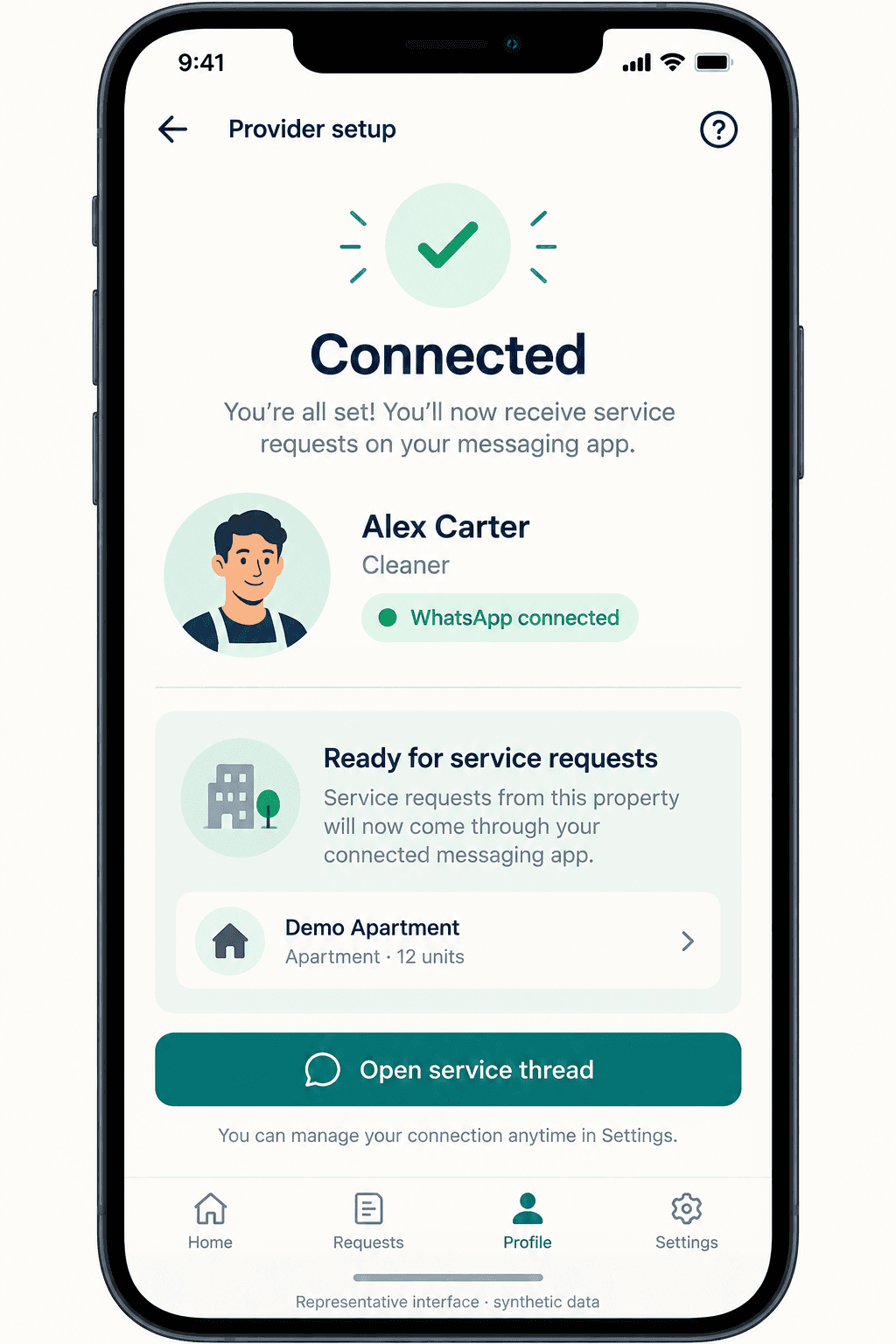
What cleaning automation can and cannot automate
For a known-cleaner handoff, these are the useful distinctions. Read each row as a capability to check, not proof that every cleaning product includes it.
| Job | What automation can do | What it must not imply |
|---|---|---|
| Identify the turnover | Raise a coordination item from checkout and next-arrival context | That someone has seen the request, or that work has started |
| Contact the cleaner | Prepare a focused WhatsApp request; review Turnover work in Copilot | That the provider accepted the work, or that either Autopilot setting bypasses provider confirmation |
| Record confirmation | Keep To arrange, Awaiting confirmation, Arranged, and Completed distinct; Review flags attention | That an independent inspection happened |
| Follow up on problems | Return no reply, conflicts, and timing changes to the host | That the tool will find a replacement cleaner or pay anyone |
| Coordinate maintenance | Use the same pattern for a known plumber or maintenance provider | That Morphic provides the repair service |
| Reply to guests | Draft or send a context-aware reply in the Airbnb thread | That the property is ready before readiness is confirmed |
- Job
- Identify the turnover
- What automation can do
- Raise a coordination item from checkout and next-arrival context
- What it must not imply
- That someone has seen the request, or that work has started
- Job
- Contact the cleaner
- What automation can do
- Prepare a focused WhatsApp request; review Turnover work in Copilot
- What it must not imply
- That the provider accepted the work, or that either Autopilot setting bypasses provider confirmation
- Job
- Record confirmation
- What automation can do
- Keep To arrange, Awaiting confirmation, Arranged, and Completed distinct; Review flags attention
- What it must not imply
- That an independent inspection happened
- Job
- Follow up on problems
- What automation can do
- Return no reply, conflicts, and timing changes to the host
- What it must not imply
- That the tool will find a replacement cleaner or pay anyone
- Job
- Coordinate maintenance
- What automation can do
- Use the same pattern for a known plumber or maintenance provider
- What it must not imply
- That Morphic provides the repair service
- Job
- Reply to guests
- What automation can do
- Draft or send a context-aware reply in the Airbnb thread
- What it must not imply
- That the property is ready before readiness is confirmed
A sent message is not an accepted job, and a completion report is not an independent inspection. Keep those distinctions visible whichever tool you choose.
The real Airbnb-to-provider workflow
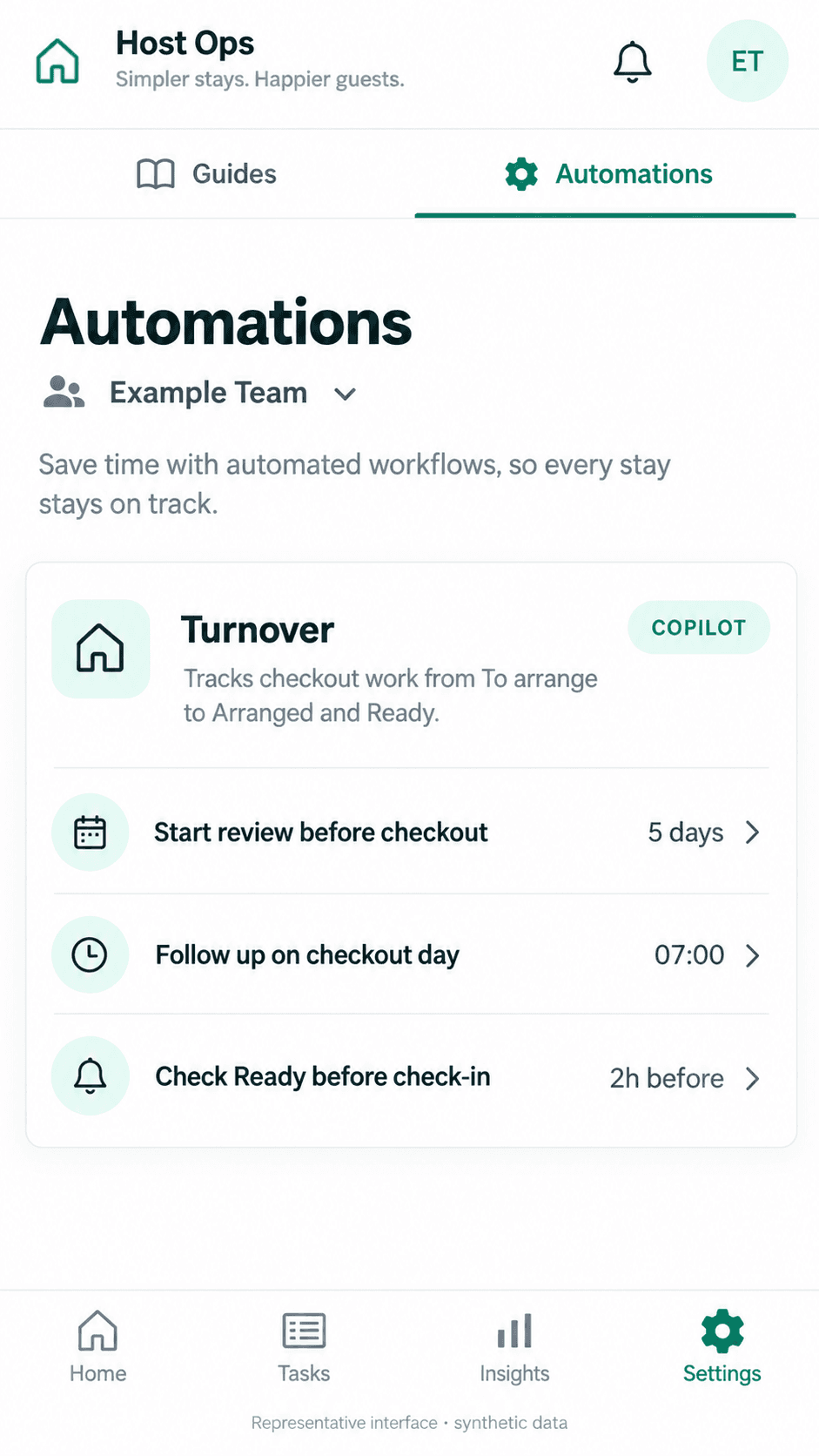
A useful workflow is short enough to describe in one breath: the booking context changes, a turnover is raised, the known provider is asked, the response is recorded, and anything unresolved returns to the host.
In Morphic, checkout-linked tasks are created within a 14-day lookahead. Turnover supports Manual, Copilot, or Autopilot, with Copilot the default. Service conversation replies separately support Manual, Copilot, or Autopilot; that reply setting does not authorize the entire turnover workflow. The setup guide explains the current settings.
Worked example — illustrative, not a customer outcome: a cleaner accepted Friday, but checkout moves to Saturday. Use the schedule below to decide what must be reconfirmed. It is a host worksheet, not a screenshot of a Morphic scheduling feature.
| Schedule check | Before the change | What to verify now |
|---|---|---|
| Property and checkout | Friday clean for the named listing | Current Saturday checkout; do not reuse a stale calendar entry |
| Deadline | Ready before the next guest arrives | Current next-arrival time and a feasible cleaning window; resolve a conflict with the host |
| Responsible cleaner | Friday was accepted | Explicit Saturday acceptance; the old reply does not confirm the new date |
| Pending request | Friday instructions may still be in circulation | Check what was actually delivered; clarify revised timing with the same responsible person |
| No reply or decline | The old arrangement looked settled | Keep follow-up open; review another eligible configured contractor rather than assume a replacement |
| Finish line | A message was sent | Check acceptance, reported completion, and the host’s readiness process separately |
- Schedule check
- Property and checkout
- Before the change
- Friday clean for the named listing
- What to verify now
- Current Saturday checkout; do not reuse a stale calendar entry
- Schedule check
- Deadline
- Before the change
- Ready before the next guest arrives
- What to verify now
- Current next-arrival time and a feasible cleaning window; resolve a conflict with the host
- Schedule check
- Responsible cleaner
- Before the change
- Friday was accepted
- What to verify now
- Explicit Saturday acceptance; the old reply does not confirm the new date
- Schedule check
- Pending request
- Before the change
- Friday instructions may still be in circulation
- What to verify now
- Check what was actually delivered; clarify revised timing with the same responsible person
- Schedule check
- No reply or decline
- Before the change
- The old arrangement looked settled
- What to verify now
- Keep follow-up open; review another eligible configured contractor rather than assume a replacement
- Schedule check
- Finish line
- Before the change
- A message was sent
- What to verify now
- Check acceptance, reported completion, and the host’s readiness process separately
Turnover defaults to Copilot; automatic assignment requires explicit Turnover and Service Autopilot authorization. A service conversation’s reply setting is not blanket permission to book a replacement. Morphic can propose another eligible configured contractor for review, but does not recruit a cleaner or prove acceptance or physical completion. Only checkout cleanings create automatic turnover tasks; arrange a mid-stay clean separately. For the general event, scope, authority, and stop-condition design, use the booking-triggered automation guide.
The same pattern works for a plumber, a maintenance provider, or anyone else the host already uses. Those people are chosen and managed by the host. The tool handles the timing, the message, the follow-up, and the record.
What it deliberately does not do is decide readiness. If the operation genuinely needs photo checklists, GPS confirmation, damage evidence, inspection scoring, contractor payments, or shift scheduling across many cleaners, that is a specialist field-operations product and should be evaluated as one.
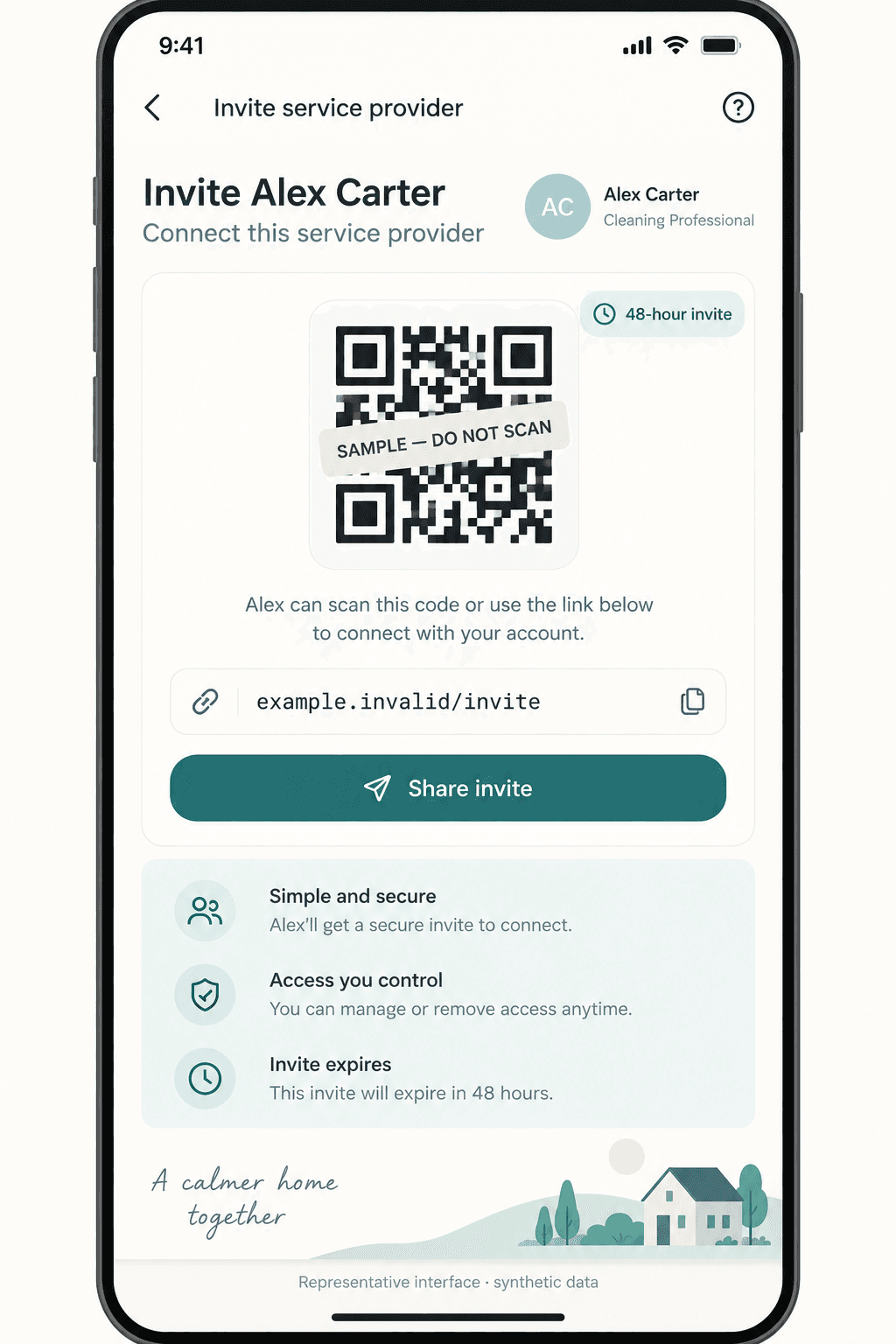
Choose the tool for the job you actually have
You already have a cleaner and the problem is chasing them: a coordination layer is enough. Automate the request, the follow-up, and the escalation, and stop there.
You need to recruit, schedule, pay, and inspect many cleaners across many properties: that is a turnover or field-operations platform. It will do more than Morphic in that specific job, and it should be judged on that basis.
The same workflow must span Airbnb, Booking.com, Vrbo, direct bookings, owner statements, and a back office: evaluate a PMS. Retain it alongside Morphic where useful rather than treating the two as incompatible.
Before paying for another tool, check whether your current calendar, PMS, or cleaning platform already completes the job. Add a coordination layer only when acceptance, follow-up, or unresolved exceptions still fall between those systems.
Pilot on one or two listings before you scale
Connect one listing. Add the provider you already use. Run a real checkout-to-arrival cycle. Then decide what stays automated.
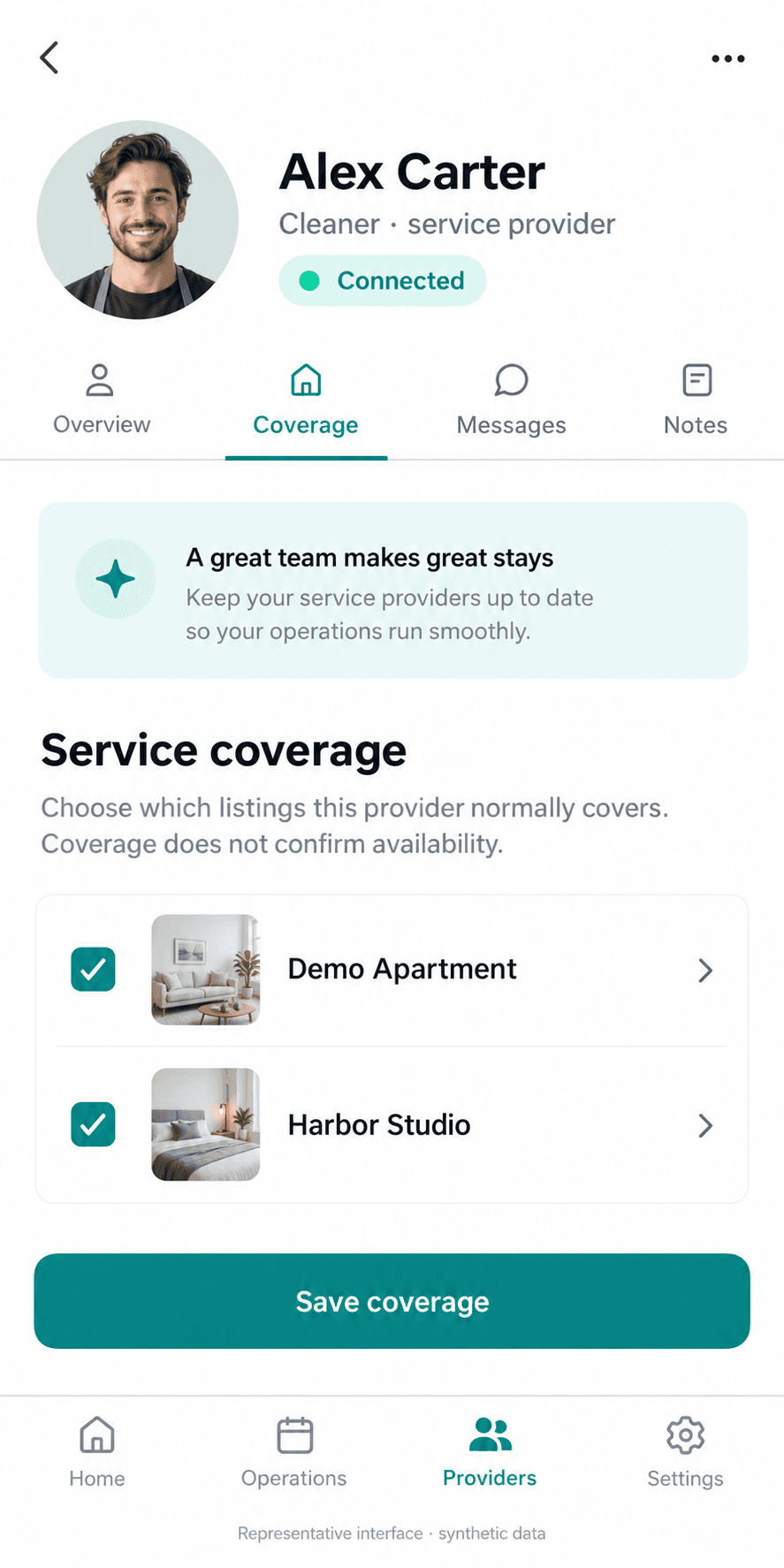
Save listing coverage so the tool knows which properties a provider handles, and keep service-thread authority explicit so the host can see what was sent and what came back. Those two settings are what stop coordination from becoming an untraceable group chat.
Only extend the pattern once one cycle behaved correctly. Scaling a workflow you have never watched just multiplies the number of places a wrong assumption can hide.
Measure the handoff, not an invented cleaning outcome
Leading indicators are whether the turnover was raised from the booking, whether one responsible provider was named, whether an explicit response was recorded, and whether exceptions surfaced before the deadline rather than after it.
Lagging indicators are fewer missed handoffs, fewer host interventions after the deadline, and less time spent chasing. Do not report a provider message as proof of cleaning quality, guest satisfaction, or revenue improvement. The software never saw the property, and the numbers should not pretend otherwise.
Frequently asked questions
What is Airbnb cleaning automation?
For a self-managing host, it is the automation of the coordination around a clean: identifying the turnover from the booking, contacting a known cleaner, recording their response, following up, and escalating problems before the next arrival. It is not a robot that cleans, inspects, or certifies the property.
Do I need a full PMS to automate Airbnb cleaning?
Not necessarily. A calendar may cover a predictable schedule; a coordination layer can help with acceptance and follow-up for a known cleaner. Use a PMS when you need multi-channel operations or a broader back office. Morphic can coexist with an existing PMS for Airbnb messages and turnover follow-through; choose one sender for each routine.
Can Morphic automatically message my cleaner and track the turnover?
Morphic creates checkout-linked turnover tasks and coordinates with a known provider through WhatsApp. Assignment uses eligible configured contractors and host review. Turnover supports Manual, Copilot, or Autopilot; service conversation reply modes are configured separately. A declined contractor is excluded for the same task. Morphic does not recruit or pay cleaners, perform inspections, or independently certify readiness.
Does a cleaner confirmation mean my Airbnb is guest-ready?
No. It records what the responsible person reported. Independent readiness requires whatever evidence and process the host has chosen, such as a direct check, a photo checklist, an inspection, or a specialist field-operations tool. The readiness decision stays with the host or the local provider.
How much does Morphic cost for cleaning coordination?
Morphic is priced at $9.90 per connected listing per month after a 21-day no-card trial that covers every listing. There is no separate PMS or external AI subscription required.
Appendix
Sources, definitions, and detailed notes behind this guide.
Summary, setup notes, and next stepsSource notes and practical details.
Key takeaways
Cleaning automation evaluation and setup guide
This guide owns what Airbnb cleaning automation is, how to choose it, and how to start, for hosts who already have a cleaner. The cleaner coordination guide owns the per-turnover handoff states, the help page owns in-product setup steps, and the Airbnb automation page remains the commercial owner for choosing an automation stack.
Open Choose what to automate firstSetup sequence
Set up Airbnb cleaning coordination on one listing
This sequence assumes the host already has a cleaner or service provider. It does not recruit, pay, inspect, score, or replace anyone.
- Step 1Choose the listing and scheduling toolImport listing, booking, calendar, review, and conversation context so coordination works from real Airbnb timing instead of dates copied into a separate reminder.
- Step 2Give each routine one ownerKeep your existing PMS where needed. Morphic uses a compatible Airbnb messaging authorization, not a replacement channel manager. Decide which tool sends each cleaner or guest message so two systems do not send competing instructions.
- Step 3Add the known providerSave the cleaner or service provider you already use, how to reach them, and which listings they cover.
- Step 4Start in CopilotLet the assistant draft the turnover request and wait for host approval before anything is sent to the provider.
- Step 5Run one real turnoverWatch a single checkout-to-arrival cycle and confirm the request, the confirmation, and the deadline behaved as expected.
- Step 6Decide what stays automatedKeep the parts that removed real effort. Leave physical readiness, payments, inspections, and repairs with the people accountable for them.
Where to go next
References behind this guideAirbnb and market references behind the claims in this guide.
Read next
Related guides on Airbnb automation, guest replies, tool comparison, and host control.
Turnover operations
Airbnb Cleaning Checklist: A Room-by-Room Turnover Your Cleaner Can Follow
Copy or print a free room-by-room Airbnb cleaning checklist. Set restock quantities, record blocked work, and agree who checks the property before the next guest.
Turnover operations
Airbnb Cleaner Coordination: A Turnover Workflow for Hosts
Coordinate a known Airbnb cleaner from checkout to confirmation, with WhatsApp follow-up, clear turnover states, and honest readiness boundaries.
Airbnb automation
Airbnb Booking-Triggered Automations: Run, Recalculate, or Stop
Design Airbnb booking-triggered automations that follow reservation changes, preserve host control, and stop safely when context becomes uncertain.
Airbnb automation
Airbnb Host Workflow Automation: What to Automate First
Build your first Airbnb host workflow: choose the recurring job, define its trigger and approval, handle changed bookings, and check the result—with native tools, an assistant, or your existing PMS.